
Quantum Dot
DESIGNED FOR CONSOLE
-
 QD Comparison
-
Quantum Dot
-
 HDMI 2.1
-
 VRR
VRR
-
 DSC
DSC
-
 KVM 3.0
-
 CONSOLE MODE
THE WORLD,
RIGHT IN FRONT OF YOU
Quantum Dot technology lets you experience mesmerizing images bursting with a dazzling range of over one billion colors, each upscale to incredible clarity thanks to our intelligent processor.


Quantum Dot Display
Grâce à une couche de nanocristaux réagissant de manière dynamique à la lumière, l'écran Quantum Dot offre des couleurs intenses et des images captivantes pensées pour enrichir votre manière de voir le monde.
HDMI™ 1.4
10.2 Gbps
HDMI™ 2.0
18 Gbps
HDMI™ 2.1
48 Gbps


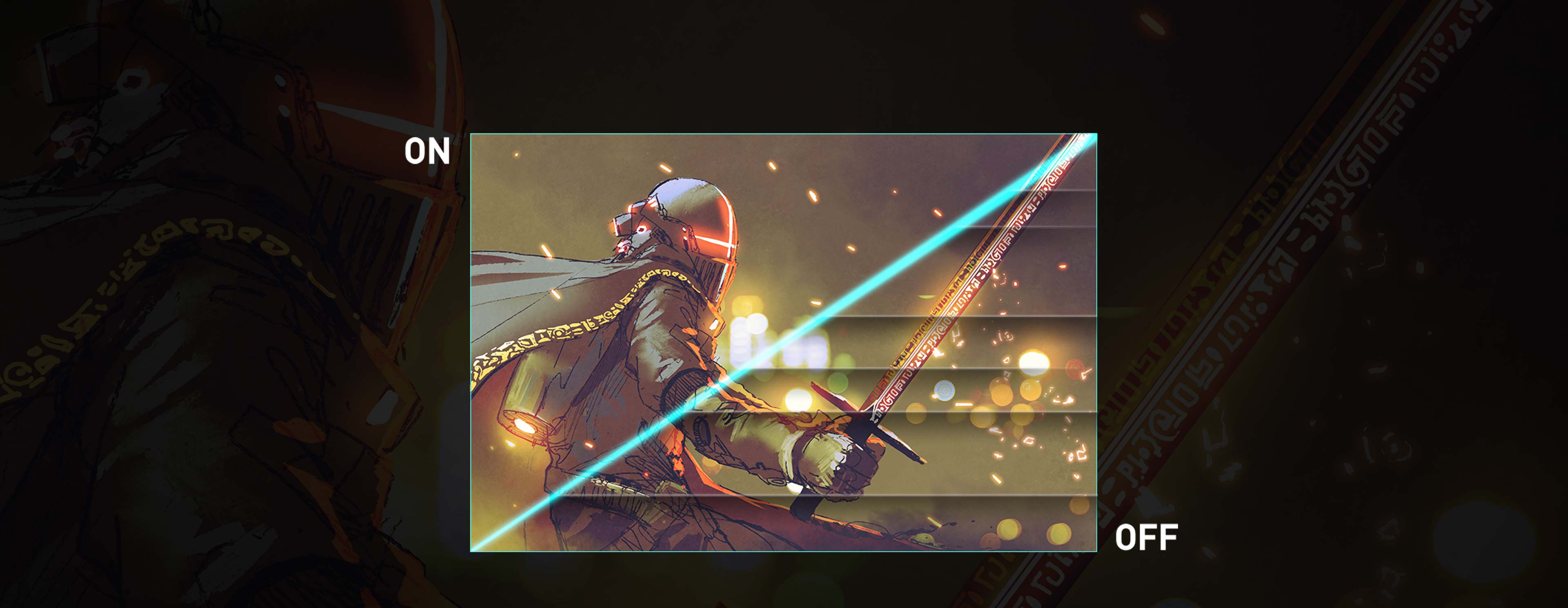
Variable Refresh Rate (VRR)

- Lossy compression

DSC
- Single DisplayPort 1.4 connection
- Visually lossless
- VRR
- HDR

- Tearing
- SDR
*For the 4K 144Hz display, there needs to be a graphics card that can support DSC. For information on DSC support, please check the graphics card manufacturer's website.

MSI KVM 3.0
Not only control multiple devices with one set of joystick, keyboard or mouse ,but use the controller to launch the special functions on consoles with KVM 3.0.

Console Mode – 120fps
Monitor is no longer made solely for PCs. To ensure that players can get the smoothest 120Hz experience when playing console games, MSI provides console-specific settings and has undergone many tests to ensure that both the device and the screen can offer the best performance.
GAMING INTELLIGENT
Pour améliorer l'utilisateur expérience, MSI a créé une série de logiciels intelligents qui facilitent votre jeu. Ces logiciels se basent sur des années d'expérience en termes de recherche et de développement dans le monde de l'eSport, ainsi que sur une excellente compréhension des besoins des gamers. Grâce à ces logiciels et à de nombreuses technologies gaming intelligentes fournies par MSI, incluant SoundTune et Optix Score, les joueurs peuvent profiter d'une expérience gaming optimale.

-
 NIGHT VISION
-
 OPTIX SCOPE
-
 SMART CROSSHAIR
-
 Smart Brightness

N'AYEZ PLUS PEUR DU NOIR
La fonction Night Vision AI détecte automatiquement les zones sombres à l'écran et en améliorent les détails sans pour autant surexposer les autres zones de l'écran.
© CAPCOM CO.,LTD. 2019 TOUS DROITS RÉSERVÉS.


Image modifiée à des fins publicitaires.
OPTIX SCOPE
Visez et touchez vos adversaires avant qu'ils ne puissent réagir. L'outil de cible améliorée intégré vous offre 8 niveaux de zoom activables par l'intermédiaire de touches de raccourcis afin de rapidement alterner entre chacun d'eux. Pour une précision accrue, le taux de dpi de la souris sera automatiquement réduit quand le zoom sera à son plus haut niveau. L'écran peut conserver le réglage afin que, quelle que soit l'arme utilisée, celle-ci devienne un fusil de précision et atteigne les ennemis les plus éloignés.
Smart Cross Hair
Through AI calculation, the aim dot automatically changes color, making it visible at any time. If the color of the aim dot overlaps with the background color, it will be problematic for aiming. The MSI monitor uses AI to calculate the color around the red dot and automatically adjusts it to a color that contrasts with the surrounding colors to ensure that you can always see your aim dot.


Smart Brightness
The MSI Gaming monitor can automatically detect the ambient light in the room and adjust the screen brightness to the appropriate level.
DALLE
-
 G-SYNC Compatible
-
 HDR 600
-
 True Color


THE PERFECT Refresh Rate
Challenge any game without screen tearing, stuttering, flicker, or artifacts. G-SYNC compatible dynamically matches the refresh rate of the display to the frame rate of the GPU.

The most Vivid Display
The MSI Gaming monitor is equipped with HDR technology that can produce images with more details, wider range of colors, and look more similar to what is seen by the human eye when compared to traditional monitor.
© CAPCOM CO.,LTD. 2019 ALL RIGHTS RESERVED.


Image has been processed for advertising purposes.

TRUE COLOR
The Optix Series have more gamut coverage compared to general monitors. Gameplay colors and details will look more realistic and refined, to push immersion to its limits.

UTILITAIRES
-
 GAMING OSD APP
-
 TRUE COLOR SYNC
-
 Firmware update
-
 MYSTIC LIGHT
GAMING OSD APP 2.0
Avec l'application Gaming OSD (menu à l'écran), il devient très facile de paramétrer l'affichage de l'écran. Vous n'aurez plus à utiliser les boutons de l'écran et à faire défiler tous les menus avant de trouver ce que vous cherchez, vous pourrez tout simplement utiliser votre clavier et votre souris pour facilement configurer les réglages. L'application vous donne même la possibilité de créer des raccourcis clavier pour alterner rapidement entre les différents réglages.


Alterner entre les profils
Optimiser le rafraîchissement
Diviser la fenêtre
Outils

Utilisez un clavier et un souris pour optimiser les fonctions OSD de manière intuitive.
Télécharger Démarrage rapideJouez sans interruption. La touche macro externe située sur le coin inférieur gauche de l'écran vous permet d'ouvrir Gaming OSD 2.0 facilement.


True Color Sync
Maintain the same color display among MSI devices. A laptop for work can maintain the same color performance when connected to a monitor at home with True Color Sync. Maintain the same color display and avoid color differences between devices.
*This is a schematic image of the product, the wall mount must be purchased separately.

Firmware update
MSI Gaming monitor can update the firmware through a USB connector, which is simple and easy to use. This allows users to update the firmware on their own at any time when the latest version is released by MSI. This ensures that the screen is always in the best-optimized state.


Personalize
Your Gaming Rig
With MSI Mystic Light, the MSI gaming monitor lights provide a soft ambient light that can easily be synced with any other Mystic Light enabled gaming product. Select any of the colors from the palette using your smartphone or the Mystic Light App to match your system style to your taste. Or just turn on gaming echo, letting your monitor back light dance to music you play on the computer.
EXPÉRIENCE UTILISATEUR
-
 Adjustable Stand
-
 Type-C Display


*This image is for illustrative purposes only.

Universal Type-C
Connection
The MSI gaming monitor supports USB Type-C connection, allowing you to power your devices (up to 15W) and effortlessly connect to any device.

Antiscintillement

Bouton de navigation à 5 directions

Réduction de la lumière bleue

USB Hub

Adaptaetur interne

cran sans bordures
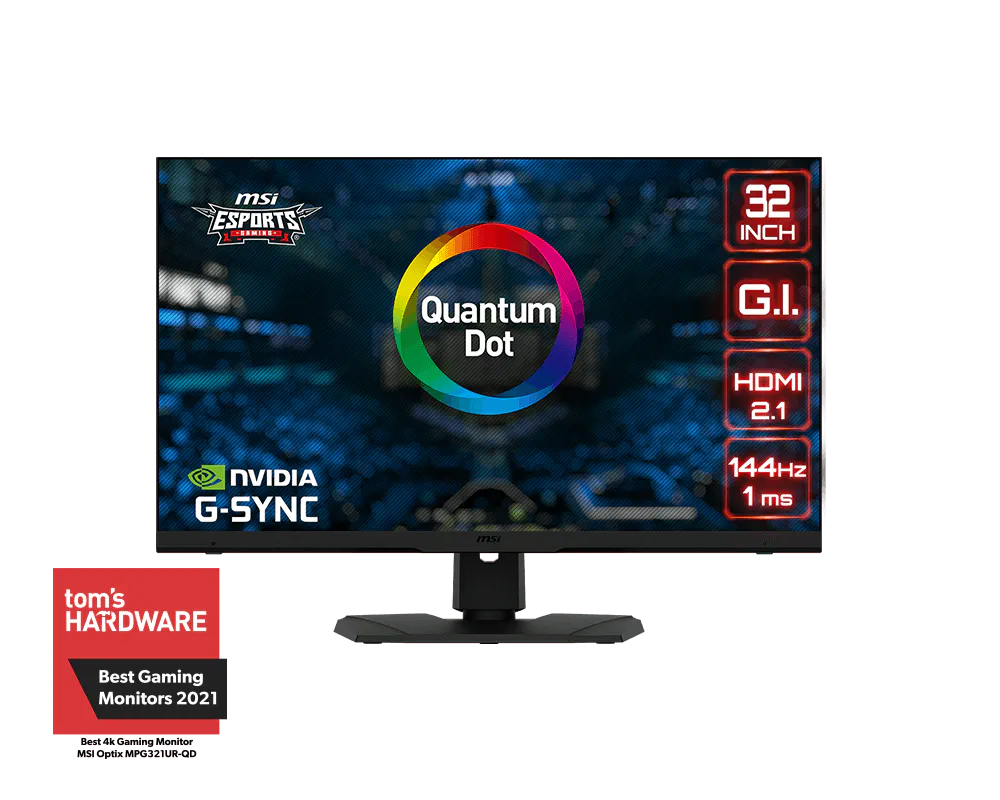
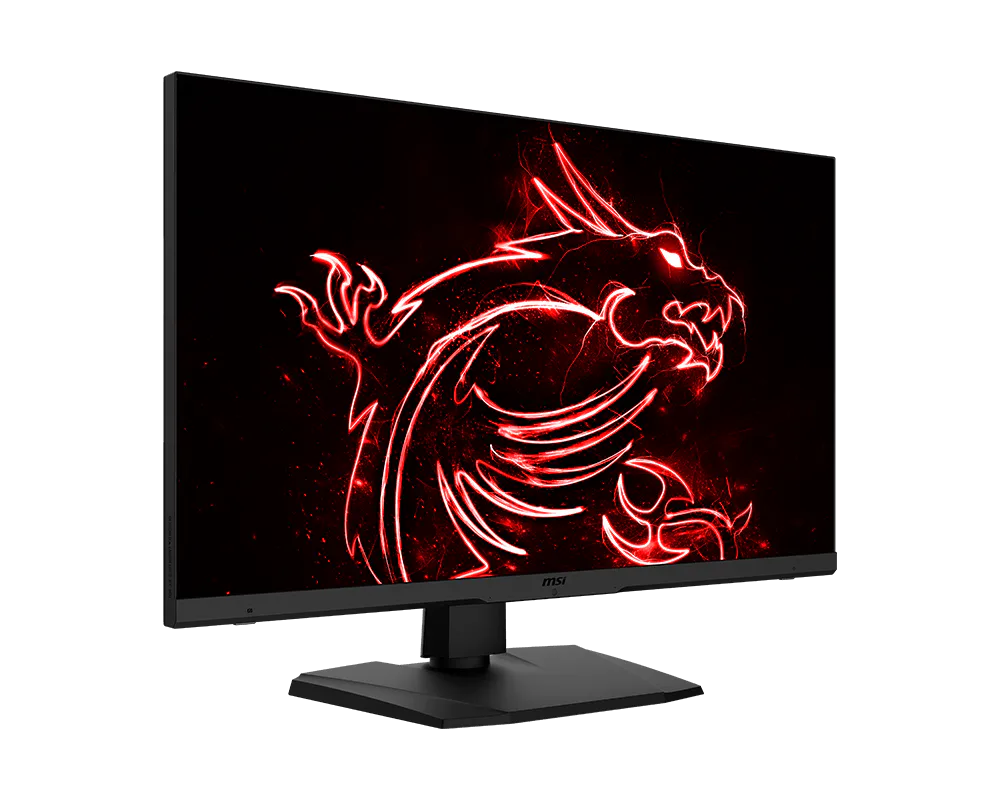
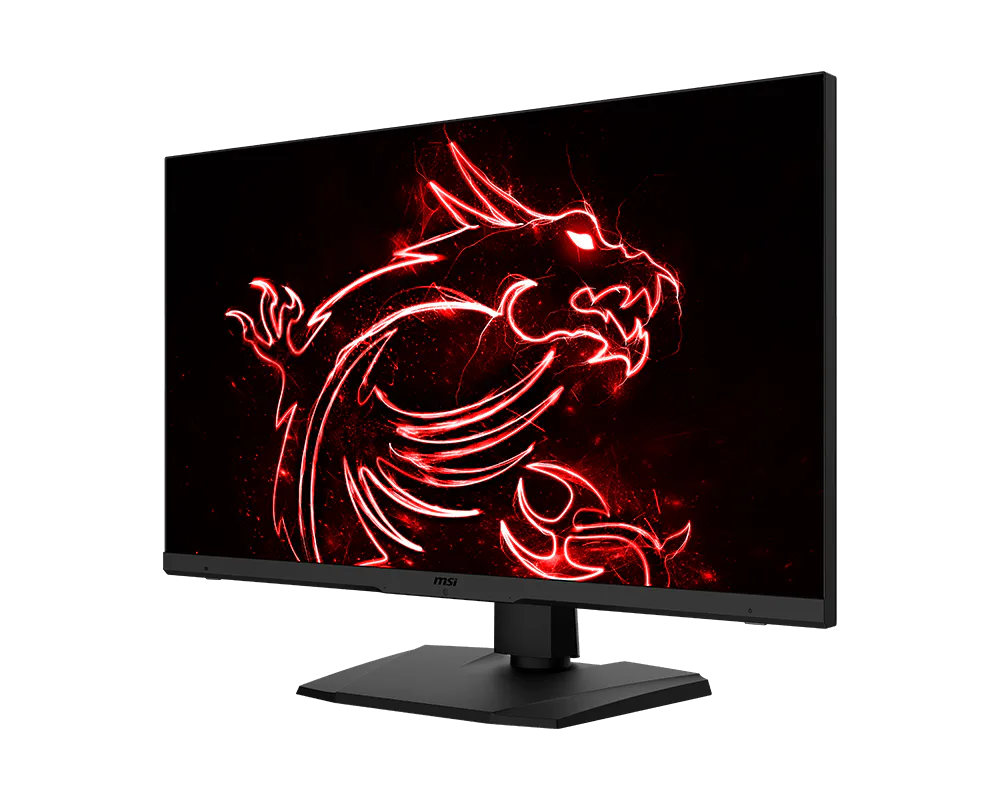
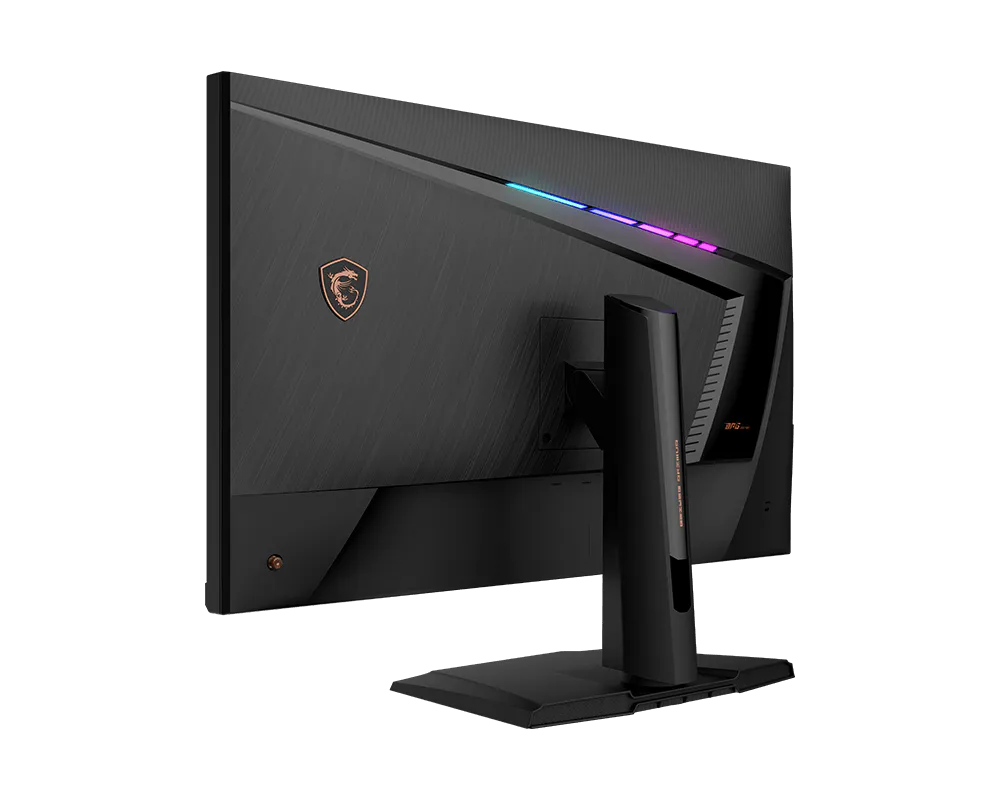
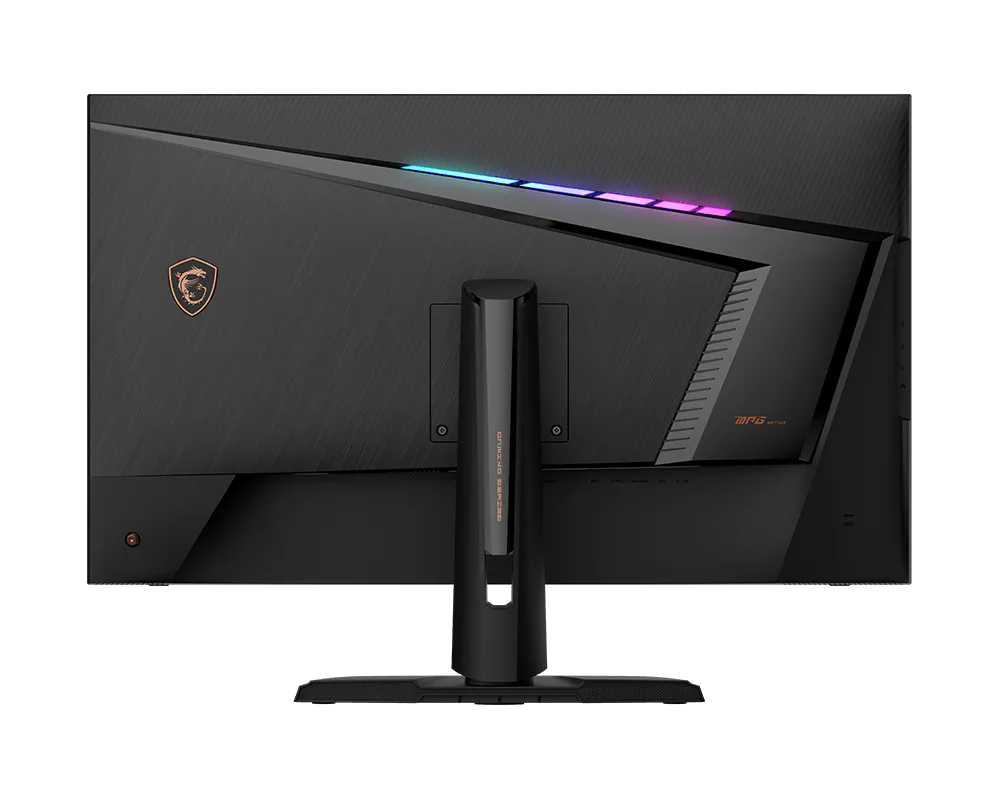
- Rapid IPS – Provides 1ms GTG fast response time, optimizes screen colors and brightness.
- UHD High Resolution – Games will look even better, displaying more details.
- 144Hz Refresh Rate – Respond faster with smoother frames.
- 1ms Response Time – Eliminate screen tearing and choppy frame rates.
- Gaming Intelligence – Gaming Intelligence is how we label software integrated MSI products. These products contain AI gaming features for gamers' specific needs.
- NVIDIA G-Sync Compatible – Prevent screen tearing or stuttering, producing ultra-smooth lag-free gameplay.
- HDMI™ 2.1-Best solution for console users. 4K 120Hz with HDMI™ interface.
- Gaming OSD App – Create the perfect viewing settings for your games.
- Adjustable Stand – Easily change the position of the monitor for maximum ergonomics.
- VESA DisplayHDR 600 – Stunning visuals through contrast and shadow adjustment.
- Night Vision – Smart black tuner to brighten your day by bringing out the fine details in dark areas.
- Mystic Light – The ultimate gaming finish.

1. Les caractéristiques sont sujettes à certaines modifications sans préavis. Renseignez-vous auprès de votre revendeur afin de connaître les caractéristiques exactes.
The terms HDMI™, HDMI™ High-Definition Multimedia Interface, HDMI™ Trade dress and the HDMI™ Logos are trademarks or registered trademarks of HDMI™ Licensing Administrator, Inc.